
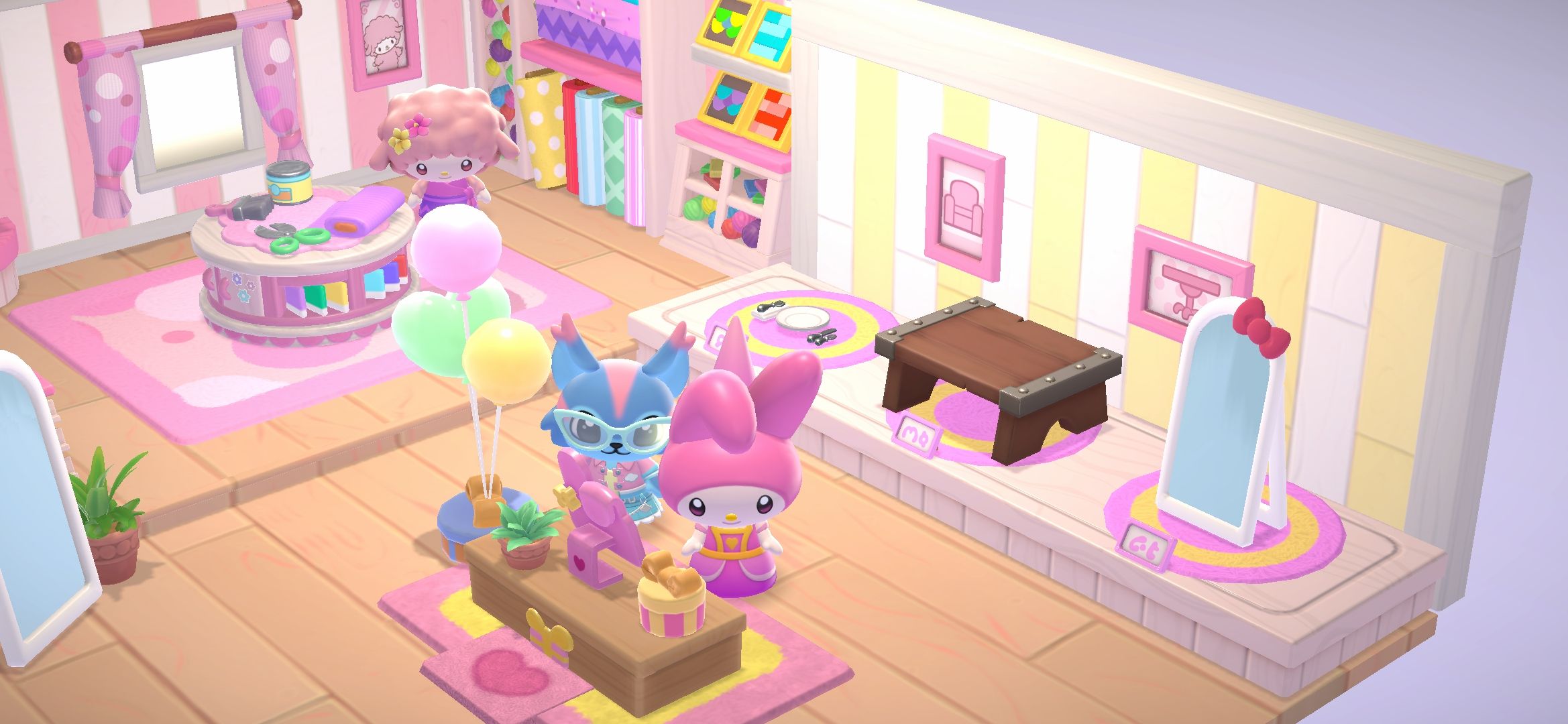
Helping visitors get settled on Friendship Island is just one important task you undertake in Hello Kitty Island Adventure. There’s plenty of room for a variety of Sanrio friends.
The only drawback is that you need to have cabins ready with specific items, and maybe a few extra comfortable furniture pieces. My Melody has some plans to make decorating cabins a bit easier.
This post contains affiliate links. I may earn a commission from purchases, at no extra cost to you.
Prerequisites For The ‘In Good Order’ Quest

To get the ‘In Good Order’ quest in Hello Kitty Island Adventure, you should do the following first:
- Complete the ‘Power Up The Gate‘ quest.
- Complete the ‘Make Yourself At Home‘ quest.
- Complete the ‘Friends And Family‘ quest.
- Complete the ‘Bigger On The Inside‘ quest.
- Complete the ‘Expanding Inspiration‘ quest.
| You may also need to complete certain quests with My Melody before you’ll be able to do this quest. If any other quest is a prerequisite or higher priority, it will automatically give you that quest first. |
You can check the status of the quest any time once you have it unlocked. You’ll find it in the ‘Active Quests’ tab of the ‘Quests’ menu. The quest will appear in ‘The Right Tools‘ category.
Talk To My Melody

To officially begin the ‘In Good Order’ quest, you’ll need to talk to My Melody. She’ll let you know she’s happy about fixing up the cabins on Friendship Island.
She’ll then introduce you to the ‘Layout’ decorating system introduced in the ‘Expanding Inspiration’ quest. You’ll receive a basic layout, as well as a few pieces of furniture.
| Since Layouts are stored online, you’ll need internet access to use the Layouts feature. |
In your backpack, the first tab–which looks like a lunchbox–will have the Layout you received from My Melody. Select the Layout and choose the “open” option.
The Layout should now be listed with any other Layouts you have. Inside the cabin, you’ll have a Decorating symbol in the lower right corner of the screen.
Interact or press the proper key to enter Decorating mode in the cabin. Choose the Layout option right above the Furniture (looks like a bed) mode.
You should be able to check the tabs to find the Tutorial Layout option. Select it and apply it to the room.
Once you have the Layout applied, you’ll need to let My Melody know. My Melody wants you to save a Layout that contains 3 items.
You can go back to the cabin you just decorated, and save the Layout you used before. Otherwise you can decorate a cabin with 3 furniture pieces or items and save it as a Layout by selecting the empty box on the left side of the screen.
You’ll be able to name it whatever you want when you box the items up. Talk to My Melody once you’ve saved a Layout with 3 items. My Melody will give you the following Layouts:
- Cappuccino Layout
- Dear Daniel Layout
- Mimmy Layout
Remember to open them from the first tab in your backpack before trying to use them. After you open them, they should appear in your Layouts inventory.
You can have up to 100 Layouts in your Layout inventory. Once you receive the new Layouts, the quest will complete.
The link below is an affiliate link, and I may earn a commission from purchases made with the link at no extra cost to you.
You can have fun with over 200 games*, including Hello Kitty Island Adventure, with an Apple Arcade subscription. New subscribers get 1 month free of Apple Arcade!**

*Game availability for the 200+ titles across devices varies based on hardware and software compatibility. Some content may not be available in all areas.
**New subscribers only. $6.99/month after free trial. Plan automatically renews after trial until cancelled.
