
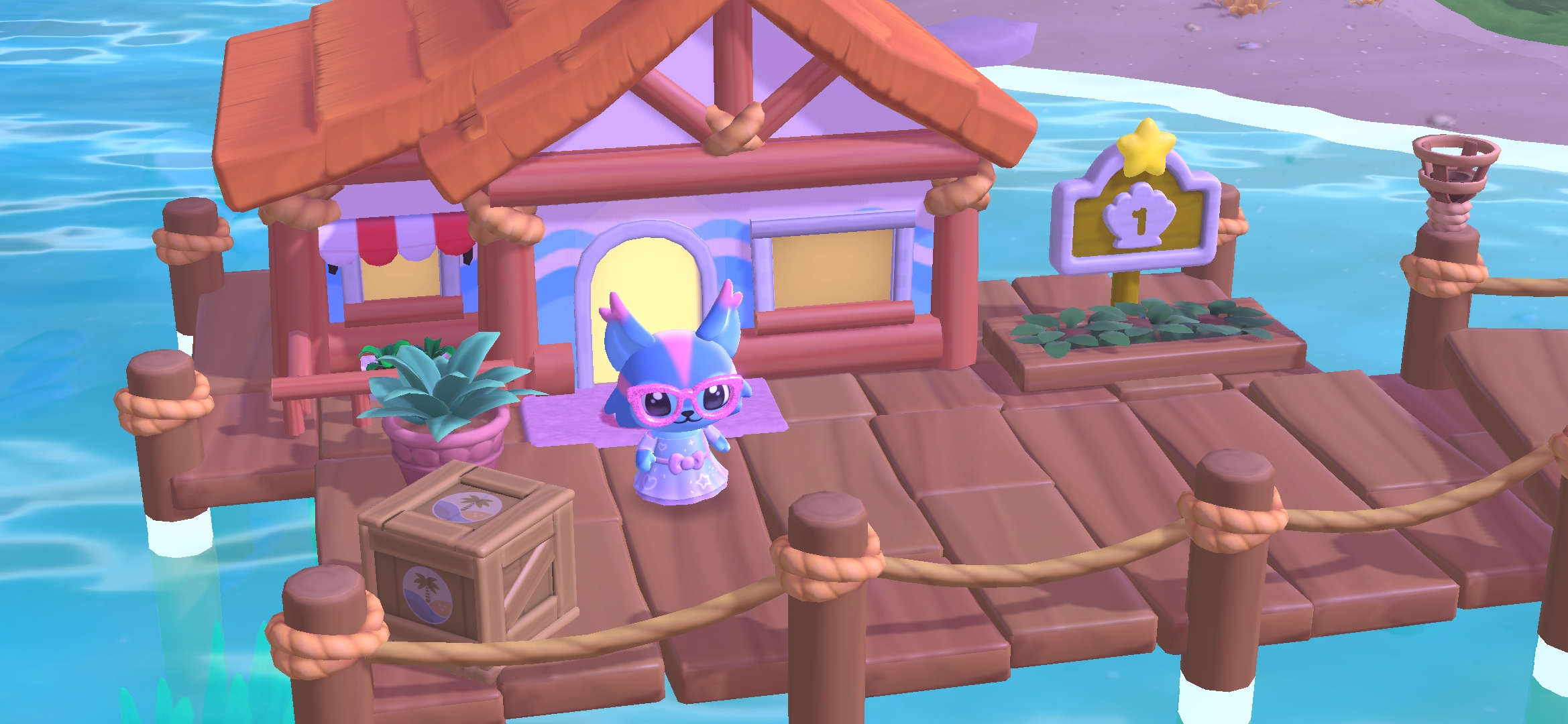
My Melody is always looking for new projects in Hello Kitty Island Adventure. This time, she’s thought up a way to give cabins even more space inside for decorating.
Join Hello Kitty and My Melody to see what the latest idea is all about. Use the decorating features introduced to save and share designs.
This post contains affiliate links. I may earn a commission from purchases, at no extra cost to you.
Prerequisites For The ‘Expanding Inspiration’ Quest

To get the ‘Expanding Inspiration’ quest in Hello Kitty Island Adventure, you should do the following:
- Complete the ‘Power Up The Gate‘ quest.
- Complete the ‘Make Yourself At Home‘ quest.
- Complete the ‘Friends And Family‘ quest (recommended).
- Complete the ‘Bigger On The Inside‘ quest (recommended).
If you’re able to access the quest, you’ll find it in ‘The Right Tools‘ section of ‘Active Quests’. You’ll have it automatically, and it will be accessible if you’re able to do the quest.
Talk To My Melody

To get the quest, you’ll need to talk to My Melody. She has a vision for cabin decorating.
She leaves abruptly during the conversation without explanation. Hello Kitty arrives and recommends searching for My Melody.
The quest icon is shaped like a wooden platform or flooring space. You can check your map for the icon to help you find My Melody.
You should find My Melody at the beach near the docks. Talk to Hello Kitty when you arrive at the beach. She should be there with My Melody.
My Melody will give you a blueprint called Long Room Plan. This allows you to change the size and shape of rooms in your own home, and in visitor cabins.
She will give you an explanation of what to look for when you’re trying to change the floorplan. My Melody hints that she’ll put together more new Floorplans with the arrival of more friends.

When working with Floorplans, you’ll now have decorating options called Layouts and Kits. These offer you easy ways to save decorating designs.
Layouts save the placement of your items in a room and create a blueprint. It will try to put available items in the proper place, but if you don’t have the items it cannot place them.
Kits save the arrangement of the items, as well as saving the actual furniture items. With Kits, you can name the Kit and then select the floor square to place the design you made.
The furniture will all be placed in the exact way you saved it in the Kit. Decorating done.
Layouts can be great if you want to have a standard cabin decoration for visitor cabins. You can have some basic items ready to go if you want.
Layouts also generate a code that you can share with others. If they have the items you used, it will automatically place those items.
Friends will also get a warning if they don’t have all the items to fill the layout. You’ll get a similar warning when using a Layout that doesn’t have access to all the furniture items.
For a Kit, you’ll need to decorate the room the way you want it first. When you have everything arranged the way you want, select the unpacked box icon on the left side of the screen. It will ask if you want to pack everything up.

Continue to pack everything up, and make sure to put a checkmark in the option to save as a Kit. The Kit icon looks like a taped up box in the decorating interface when you’re ready to place it.
You’ll be able to take that Kit design and put it back down in any cabin or room that you want. Once you place the Kit, it will no longer be available in your Kit inventory.
You can have a total of 100 Layouts, and 20 Kits in your decorating inventory. Layouts can be used multiple times if you have enough furniture pieces in your inventory. Kits are a one-time use. You’ll need to save it each time you pack up the room design.
The link below is an affiliate link, and I may earn a commission from purchases made with the link at no extra cost to you.
You can have fun with over 200 games*, including Hello Kitty Island Adventure, with an Apple Arcade subscription. New subscribers get 1 month free of Apple Arcade!**

*Game availability for the 200+ titles across devices varies based on hardware and software compatibility. Some content may not be available in all areas.
**New subscribers only. $6.99/month after free trial. Plan automatically renews after trial until cancelled.
