
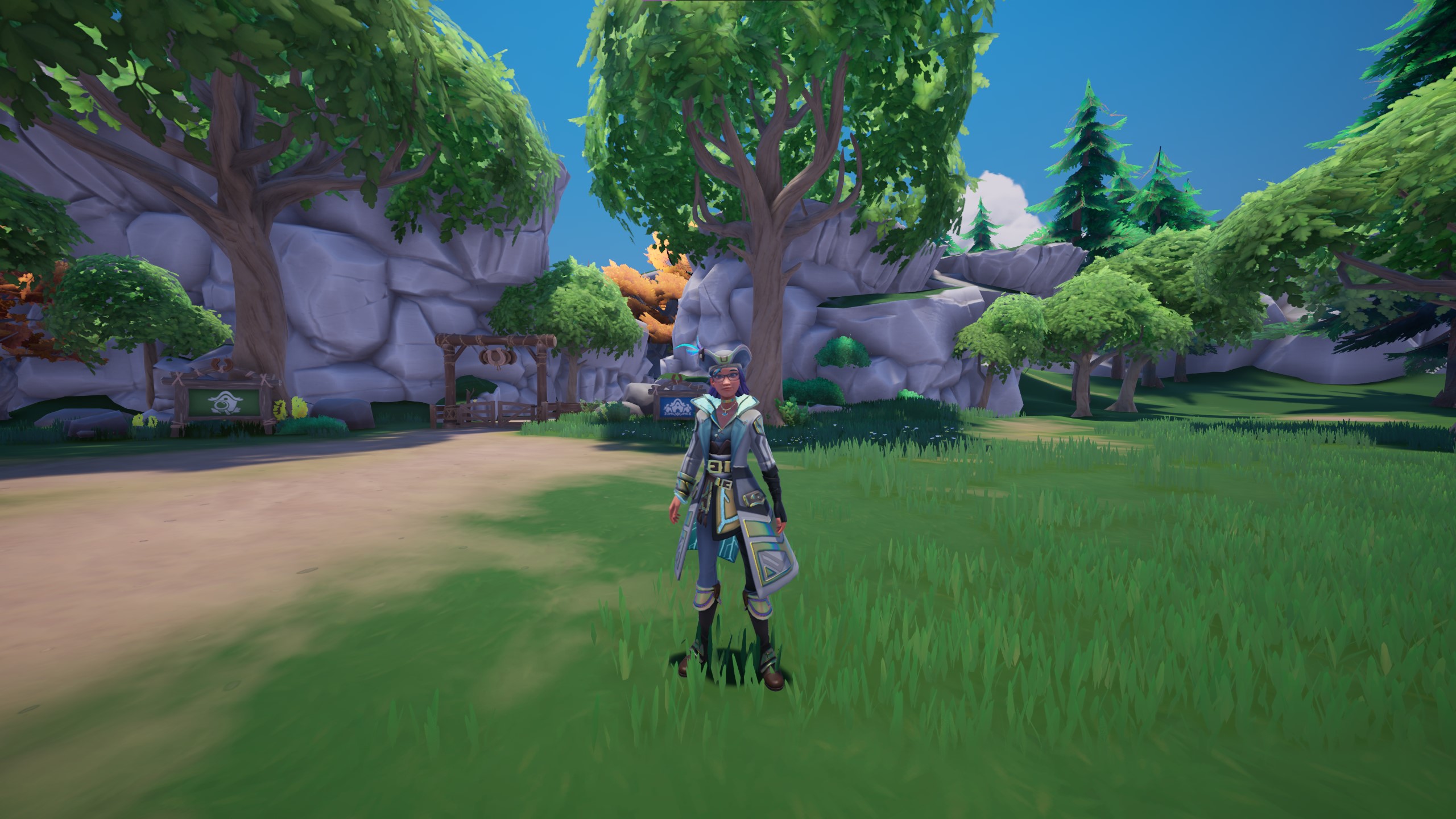
Palia recently announced that it had reached the 10 Million player milestone. In celebration of their success, they announced they will be giving away 2 Mystery Outfits along with other prizes.
If you’re new to Palia, you might need a little help to collect the 10M Celebration prizes. Follow the steps in this guide to collect your very own Mystery Outfit!
Updated May 15, 2026 by Frostene – Palia has extended the 10 Million Player Celebration Event through June 1, 2026.
Steps To Claim The 10M Celebration Mystery Outfit

The first thing you’ll need to do to access the Mystery Outfit and other prizes is to complete the Daily Check-In. Enter the main menu, or the character screen.
Select the tab to the far left, which is the Feature Guide tab. There should be a section in that tab labeled ‘Dailies‘. Click ‘Claim’ under the daily task labeled ’10M Daily Check-In‘.
Once you’ve claimed the Daily Check-In task, you’ll receive a Celebration Token. Celebration Tokens are used to obtain the Mystery Outfit and other prizes.
To receive the 10M Celebration! prizes, select the Lunar Path button, which is the red one circled in the image above. There is a special Lunar Path called ‘10M Celebration!‘.
There are 10 prizes in total, but you need to acquire Celebration Tokens to claim the prizes. This means you will need to claim the Daily Check-In task for 10 days to receive all the prizes.
If the system registered your login properly, there will be a green checkmark beneath the quest and the word ‘Completed’. The ‘Completed’ word is dark and may be difficult to see on some screens, so look for the green checkmark.
The second Mystery Outfit is available on your 10th Check-In. Once you claim a Mystery Outfit from the 10M Celebration! path, you’ll need to return to your housing plot. Your gift will be next to your shipping bin.

Approach the purple gift box to interact with it. You’ll then be given a randomized outfit from the selection of available outfits offered in the store.
Use a wardrobe or the changing rooms in Jel’s store to see what your new outfit will look like or to officially change into it. Some outfits may have color options as well, and you’ll be able to preview those at a wardrobe or changing room before saving the outfit.