
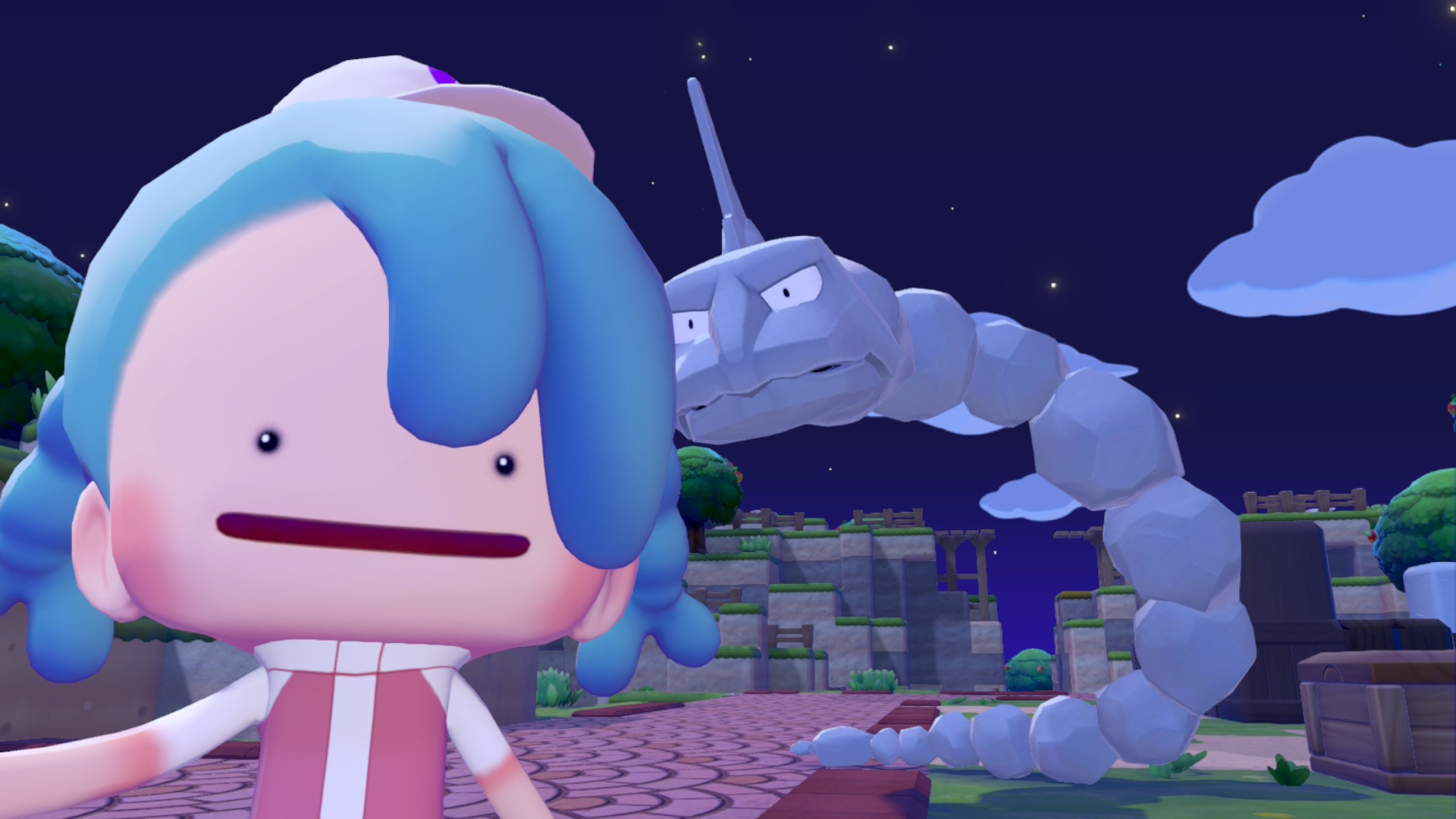
If you’ve been playing the cozy life-sim game, Pokopia, chances are you’ve run into some situations that cause your Pokémon to become stuck. This is different than “trapped” Pokémon who need to be freed by unlocking special abilities, or through story progress.
Is My Pokémon Stuck?

So, how can you tell if your Pokémon is stuck in Pokopia? If you tell it to ‘Follow Me’ and it tells you to wait for it, but doesn’t come any closer, it is stuck. You’ll also get a message saying a Pokémon is having trouble following you.
Onix struggles in areas with low roofs. It can sometimes get into small places, but cannot leave them.
Other Pokémon might not be able to navigate certain terrain for a variety of reasons. To reduce the possibility of your Pokemon becoming stuck while they’re following you, pause and wait for them to catch up. If you get too far away, they’ll automatically stop trying to follow you.
| Placing stairs and paths can help some Pokemon pathfind better around challenging terrain formations. You can also bring blocks with you to make temporary terrain if you don’t have stairs unlocked yet. |
Ways To Free Your Pokemon

When your Pokémon is stuck, there are a few things you can try to help free them:
- Place a jar of Honey near their home. It can sometimes lure them.
- Dig up or build terrain to fix pathfinding issues.
- Use stairs to make travel easier for Pokemon.
- Block off paths the Pokémon shouldn’t take.
- Tell them to ‘Follow Me’ and then teleport to one of your homes. They will teleport with you.
| If a Pokemon stops following you and says it can’t continue, it may be hungry. Feed it to replenish its energy/PP. |
If you can’t find a Pokémon, you can use the Pokémon Center PC to locate a Pokémon without a home. From the main menu press “-” to see the Pokémon.
After you select the Pokémon without a home, you can talk with nearby Pokémon to get information about where to find the missing one. This is different than being stuck, though, but for truly-stuck Pokémon these steps should help you get your Pokémon back to their regular routines.